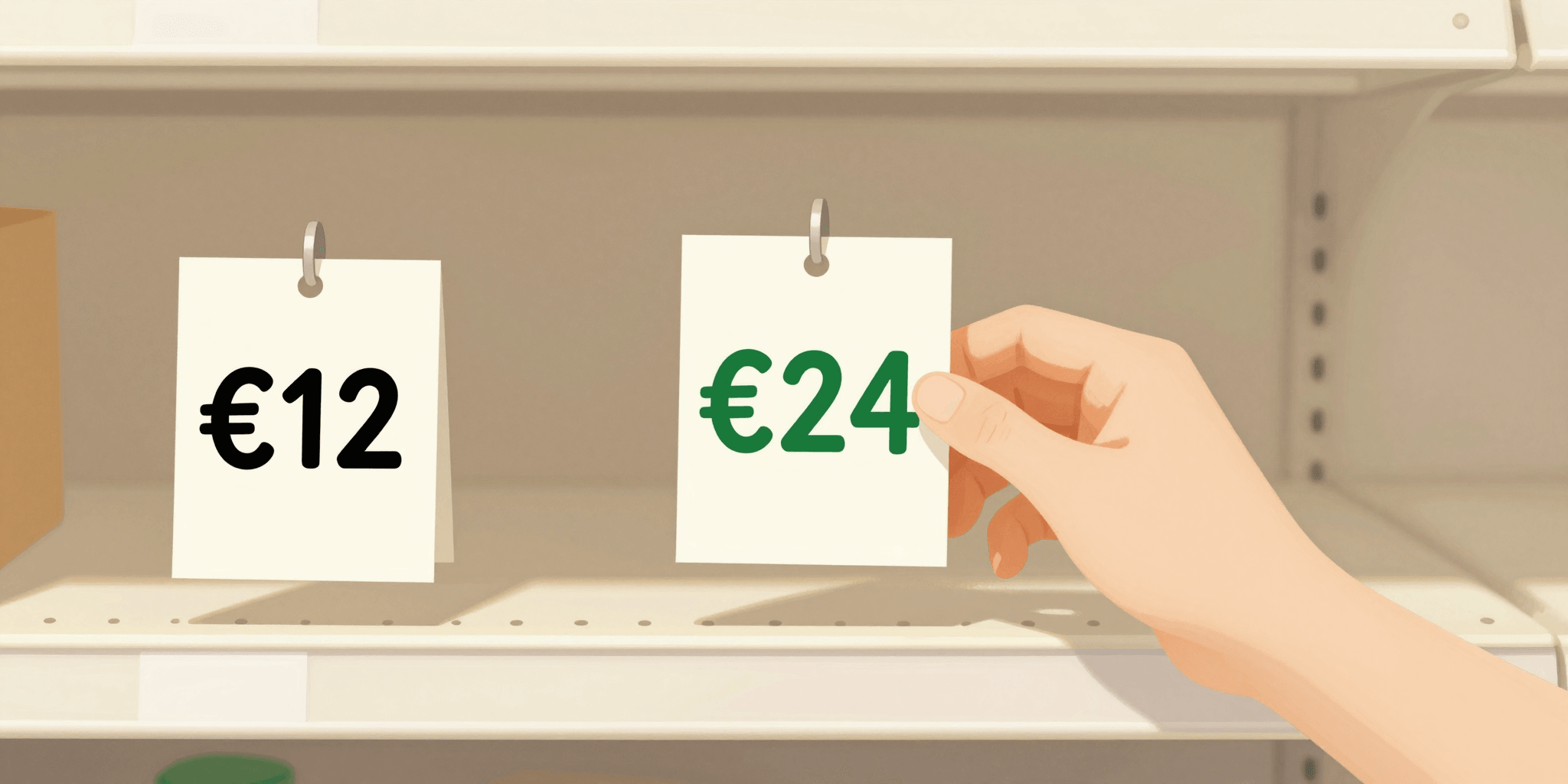
Raising your price is sometimes the same thing as raising your conversion rate. Not always — but more often than intuition says it should be, and the mechanism is not complicated once you see it.
Price is not just a number. It is a signal that runs ahead of every other word on your page. Buyers read it before they read your description, before they look at your photos, and they use it to decide how seriously to take everything else.
Lower prices create doubt as often as they create demand. Higher prices create perceived value as often as they deter buyers. The direction of that effect depends entirely on how the rest of your page is built.
Lowering your price to get more sales works sometimes. But often it does the opposite. It tells buyers the product is cheap, which means risky, which means maybe not worth buying at all.
Price Tells a Story Before You Do
When someone lands on your product page, they see the price in the first few seconds. Before reading the description. Before looking at photos. Before deciding whether to trust you.
That price sets an expectation. And buyers fit everything else they see into that expectation.
A €9 digital template says: quick and cheap, probably basic. A €29 template says: this person knows their craft and priced it accordingly. Same file. Completely different perception.
This is not unfair. It is just how people process unfamiliar products. They use price as a proxy for quality when they have no other reference point.
The less someone knows about your product category, the more they rely on price to judge quality. That works in your favor once you understand it.
The Anchoring Effect
Anchoring is simple: the first number someone sees becomes the reference point for everything after it.
If your product is €39, that is the anchor. Everything about it is evaluated against "is this worth €39?" If your product is €12, the question becomes "is this worth €12?" Same product, different bar to clear.
The practical side: a slightly higher price raises the bar, yes, but it also raises the perceived reward. Customers who pay more expect more, and when the product delivers, they are more satisfied. Lower-price buyers often feel underwhelmed even when the product is good, because the low price set a low expectation which somehow still was not met.
Rodrigo sold a PDF guide on growing herbs at home. He launched at €8. Sales were slow. He bumped to €17 and rewrote one line in the description to reflect it: "A practical guide used by 40+ buyers." Conversions tripled. The product was identical.
Why Discounts Can Hurt New Products
Discounts work well when buyers already know your normal price. If you sell something for €40 and drop it to €25 for a weekend sale, customers understand what is happening.
But if you launch a new product at €40 and immediately offer 50% off, you are telling people two things at once: this was €40 (too expensive to sell at full price) and it is now €20 (but we needed to move it). Both signals are bad.
New products have no price anchor yet. Your launch price becomes the anchor. Start where you actually want to be and discount later, once you have sales history and reviews. Not before.
The Decoy Effect: How a Third Option Changes Everything
This one is counterintuitive. Offering three pricing tiers often increases revenue not because people buy the expensive tier, but because it makes the middle tier look like the obvious choice.
Luca sells Notion templates. He used to offer just one version for €19. Then he added a "basic" version for €9 and a "pro bundle" for €49. That month, his revenue went up by 60%. Not because anyone bought the bundle. They did not. But the €19 option stopped feeling expensive once there was a €49 option above it.
The expensive tier is not there to sell. It is there to reframe the perception of your real offer.
This works best when the tiers are clearly differentiated. If the only difference between €9 and €49 is the file format, buyers notice and the effect does not work. But if the higher tier genuinely includes more, the comparison does its job.
The "One Clean Number" Trick
There is a specific pattern that trips up a lot of small sellers, especially those shipping physical products. The product is priced low to look accessible, and then shipping is added at checkout.
We covered how unexpected shipping costs kill conversions in detail earlier. The pricing angle is slightly different: when you build shipping into the product price and show one number, you are not hiding a cost. You are presenting a clean value exchange.
"€29, free shipping" reads as: I know exactly what I am paying. Done.
"€22 + €7 shipping" reads as: wait, that is still €29, but somehow it feels more expensive. And it is not just a feeling. Studies on price transparency show that add-on costs trigger more decision friction than a higher flat price, even when the total is identical.
Mia sold handmade soap sets. Her original listing was €15 + €8 shipping. Conversion rate: 1.8%. She changed to €23, free shipping. Same margin exactly. Conversion rate: 4.1%. The only change was how the price was presented.
How to Find Your Right Price
There is no formula that gives you the optimal price. But you can find it faster than you think by testing deliberately.
One approach that works for single-product pages: run two clean pricing periods, two weeks each, with similar traffic. No other changes. Compare conversion rate and revenue.
But before you test, start from a better position. Most new sellers underprice because they are afraid. Set your floor first:
- Calculate your real cost: production + shipping + platform fee + time (yes, include your time)
- Multiply by at least 3 for physical products (2.5x minimum for digital)
- Look at what comparable products sell for. Not the cheapest ones. The ones with good reviews.
- Set your price at the mid-to-upper range of what you found. Not the highest. Not the lowest.
- Run for two weeks. Then test 20-30% higher.
The test that surprises most sellers: the higher price often converts the same or better, with better customer quality. People who pay more rarely ask for refunds and rarely leave bad reviews. They bought because they wanted it.
Quick Wins: What to Do Today
Find 5 similar products. Not on the cheapest platforms. On Etsy, Gumroad, or dedicated seller pages. Note the price range. If you are in the bottom 20%, raise your price and see what happens.
Time: 20 minutes.
If your page currently shows a "sale price" from launch day, remove it. Replace with a clean price. If you want to run a real sale later, you will have a baseline to discount from.
Time: 5 minutes.
Even a simple "Standard" and "Premium" version creates an anchor. The premium version can include a PDF guide, faster delivery, personalization, or a bonus item. Try the decoy effect.
Time: depends on your product, but planning takes 30 minutes.
Common Objections
"My customers are price-sensitive." Maybe. But you do not actually know this until you test. Most sellers assume price sensitivity before they have any evidence. Run the test.
"I raised my price and sales dropped." Possible. But check whether your traffic also dropped around the same time, or whether your page copy changed. Price is one variable. Before cutting the price back, check the others.
"My competitors are cheaper." Yes, and some of them are not profitable. Competing on price alone is a race you cannot win long-term. Compete on clarity, trust, and product quality instead. We covered the basics of why a focused product page outperforms a full store if you want to go deeper on positioning.
Pricing is one of those things you can change in five minutes and see results within days. Most settings on a product page take weeks to show impact. Price testing is the fastest feedback loop you have. Use it.
If you want to test pricing quickly without rebuilding your whole setup, this guide on testing your offer fast covers the full approach.
With NanoCart, changing your product price takes a few seconds and the page updates immediately. No developer, no waiting. Start a price test today.